How Much RAM Do You Need for Gaming in 2026? 16GB vs 32GB
16GB is the practical starting point for gaming in 2026, and 32GB is a future-proofing choice rather than a requirement. Here is how to decide while memory prices stay high.
Practical PC gaming guides: step-by-step setup and settings walkthroughs, buying advice and head-to-head hardware comparisons for US players.
What to buy and what to skip: PC builds, peripherals and upgrade advice for every budget, based on specs and published reviews.
7 articles →Step-by-step setup guides, in-game settings walkthroughs and beginner how-tos for PC games and gaming gear, written for US players.
13 articles →Head-to-head gaming hardware comparisons: GPU vs GPU, CPU vs CPU and peripheral matchups, with specs, prices and published benchmarks.
6 articles →EA lists a 6 GB graphics card and 16 GB of RAM as the floor, plus TPM 2.0 and Secure Boot. Here are the specs and the exact steps to check and turn those security settings on.
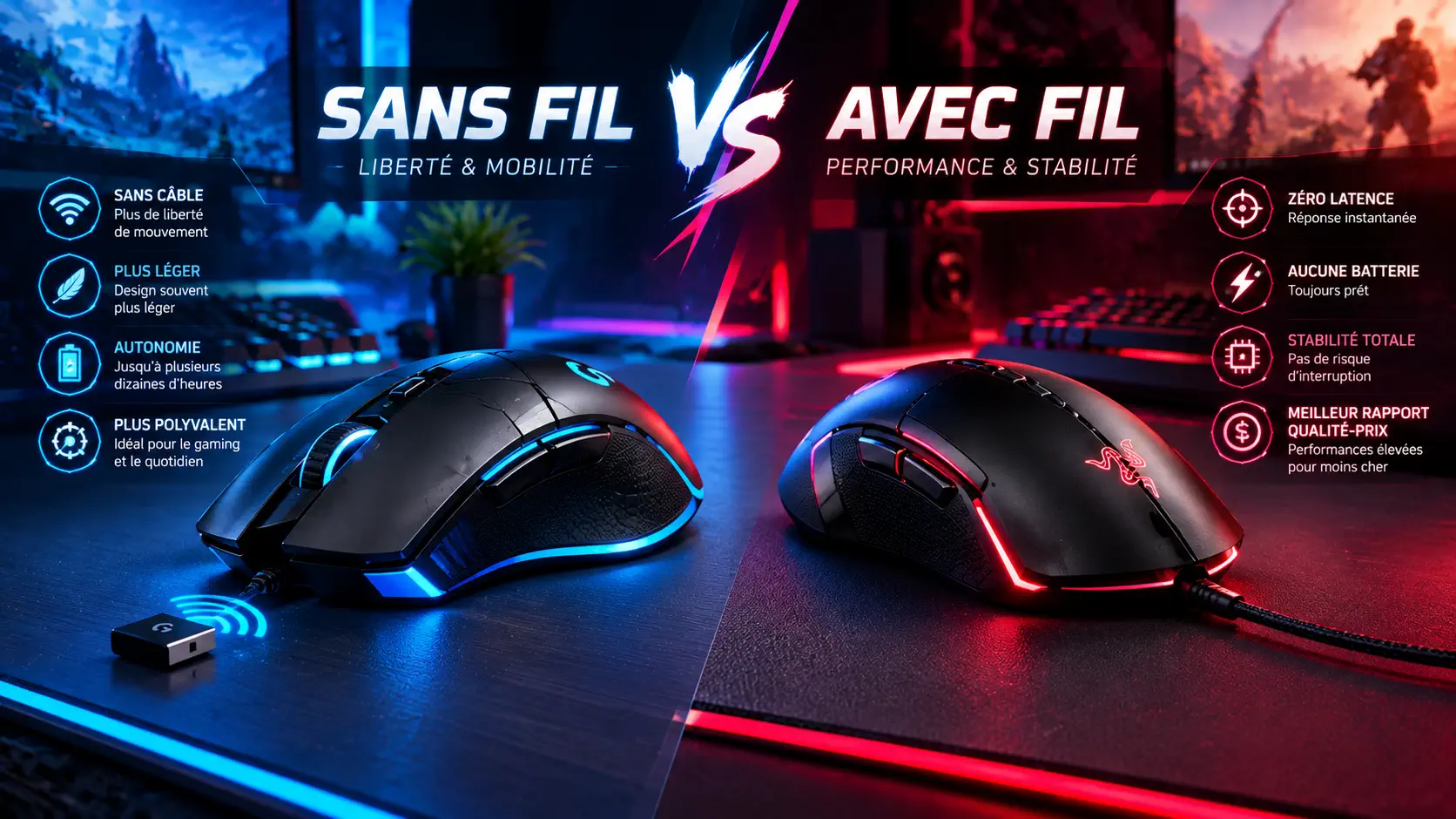
Guides & ComparisonsThe old rule that wireless mice add lag no longer holds for a good 2.4GHz model. Here is what still separates wireless from wired on latency, weight, battery life and price.
Guides & ComparisonsBuild from scratch or upgrade what you have: what to decide first, the order to install parts, the BIOS and Windows settings to check afterward, and which GameRath guide covers each step.
Guides & ComparisonsA hub for choosing graphics cards, monitors, keyboards, mice, headsets, cases, coolers and SSDs: what to spend on first, what to skip, and which buyer's guide to read next.
Guides & ComparisonsEight classes are available at AION 2's global launch. Here is what each one does, how published guides rate them for beginners, and how to choose without regret.
Guides & ComparisonsValorant is built to run on modest hardware, so big FPS drops usually have a fixable cause. Here is how to find out whether your CPU or GPU is the bottleneck and which settings to change first.
Guides & ComparisonsPerformance Mode trades visual detail for smoother frame rates. Here is what it changes, how to enable it, and the settings Epic recommends for competitive play.
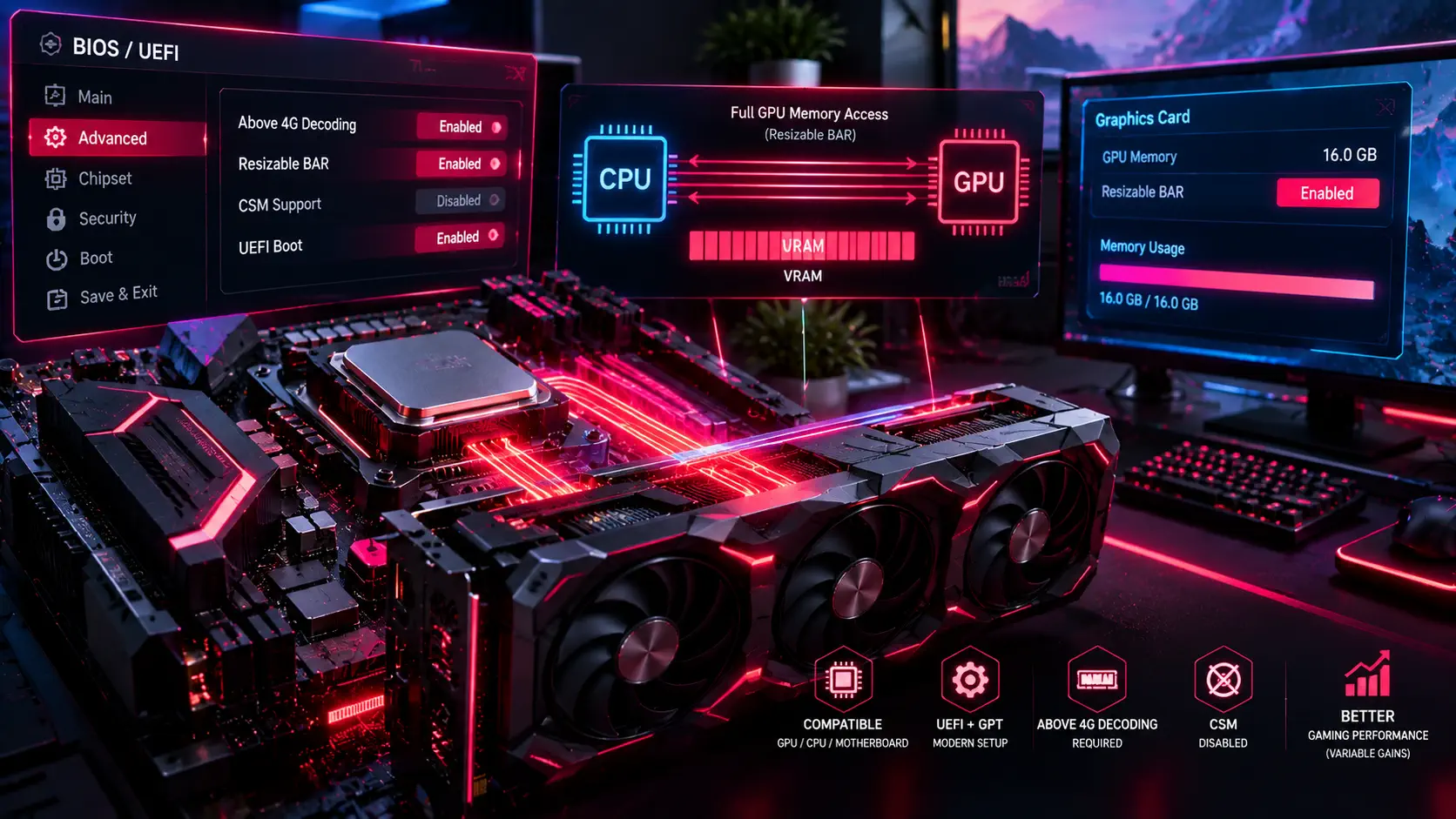
Guides & ComparisonsResizable BAR is a free setting that lets your processor use all of your graphics card's memory at once. Here is how to turn it on in the BIOS, confirm it is active, and what to realistically expect.
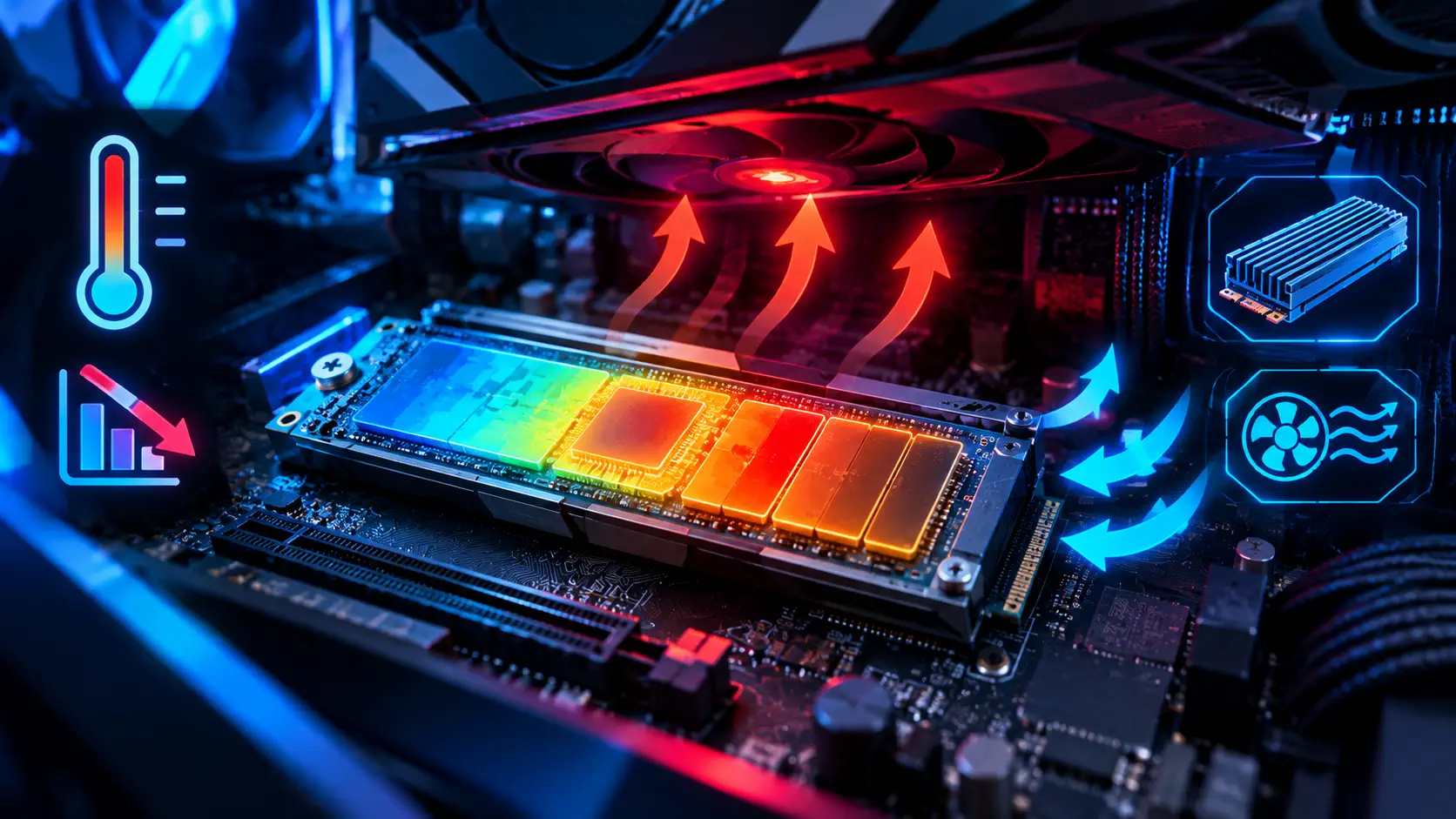
Guides & ComparisonsFast NVMe drives can slow themselves down when they get too hot. Here is how to read your SSD's temperature in Windows 11, what numbers are normal, and how to cool a drive that runs hot.
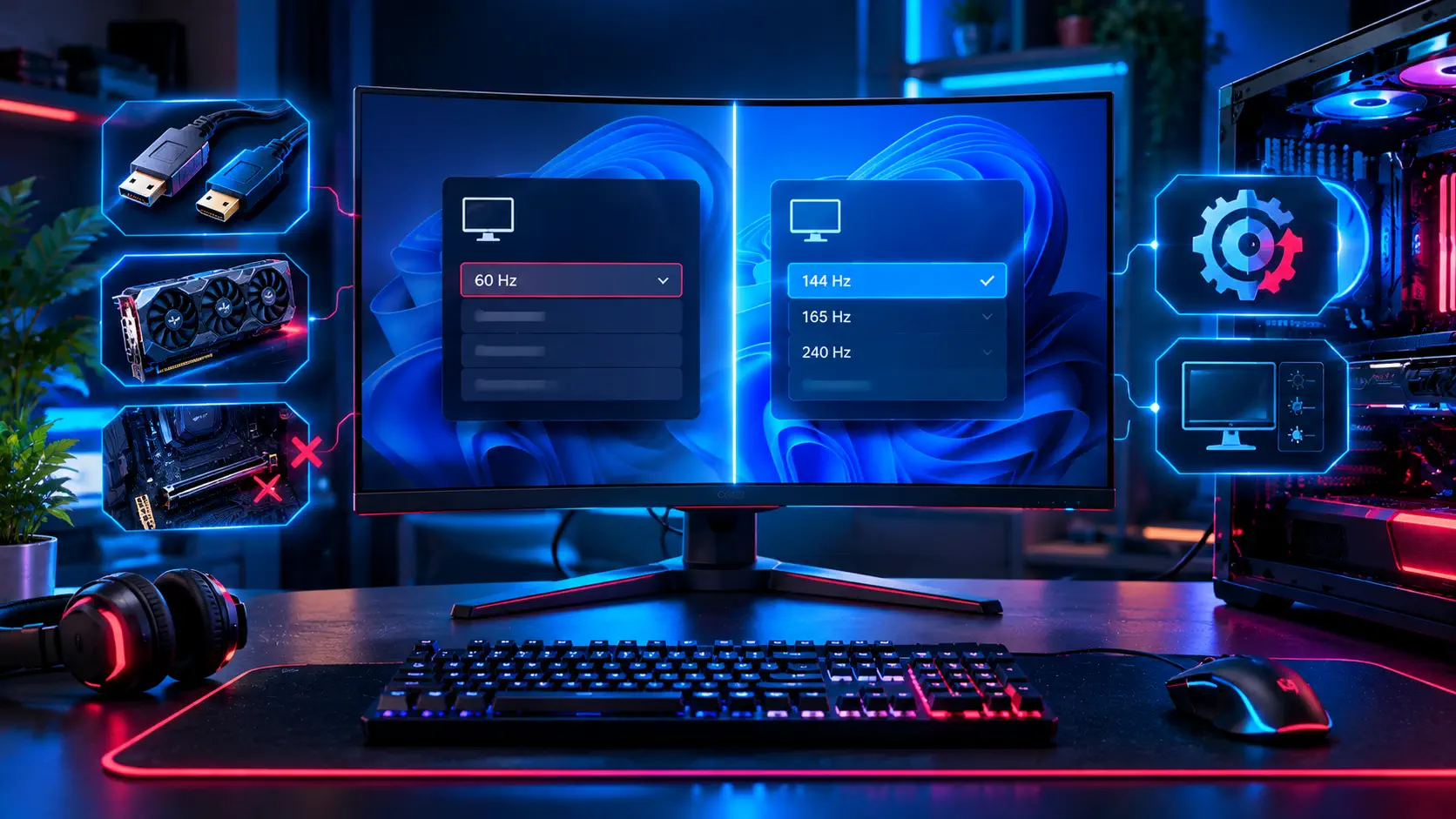
Guides & ComparisonsYou bought a 144Hz or 240Hz gaming monitor, but Windows only offers 60Hz. The fix is almost always a cable, a port, or one hidden setting — here is the order to check them in.
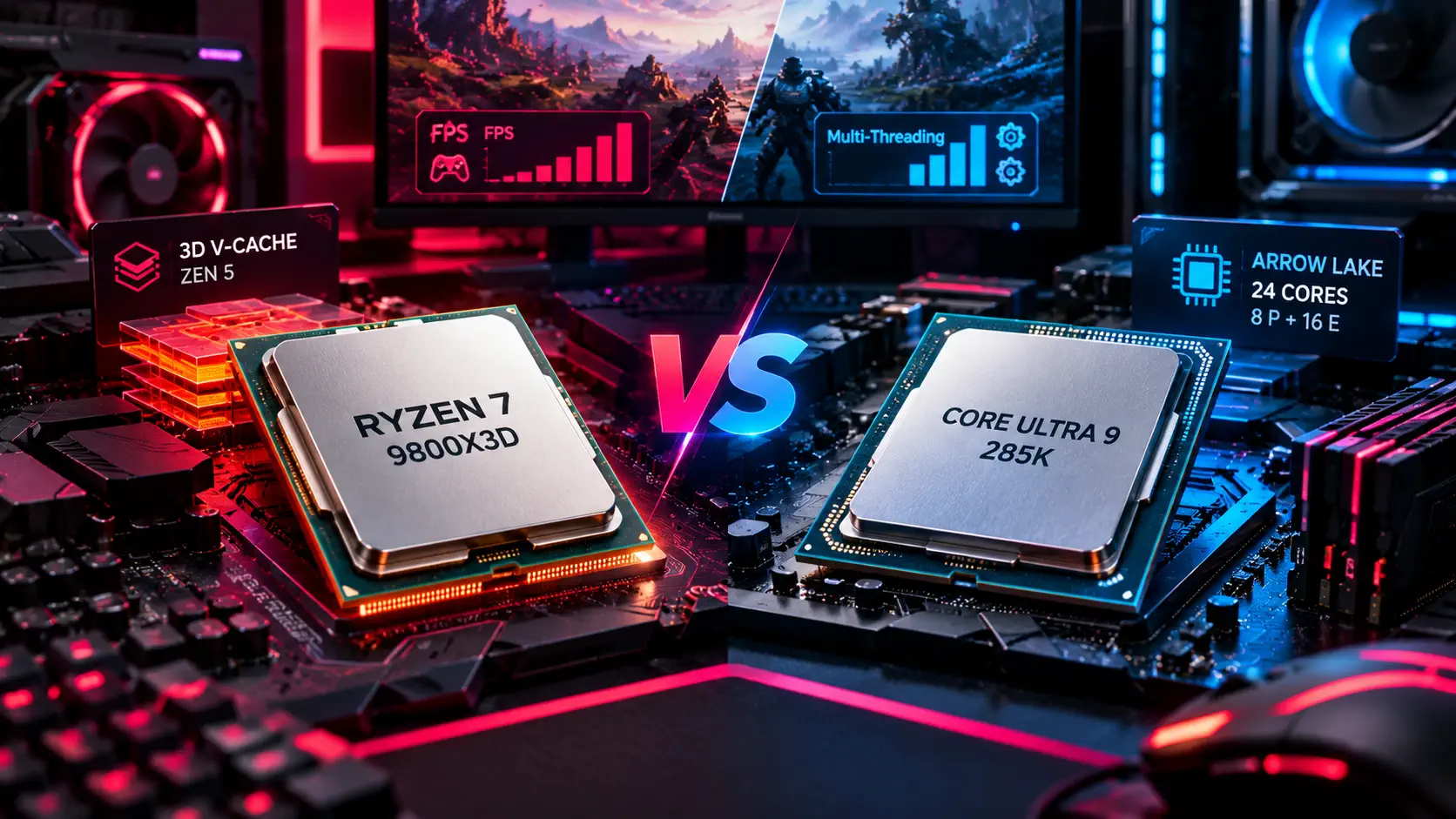
Guides & ComparisonsAMD's 3D V-Cache flagship and Intel's top Arrow Lake chip take very different approaches to performance — here's how they actually compare for gaming versus everything else.