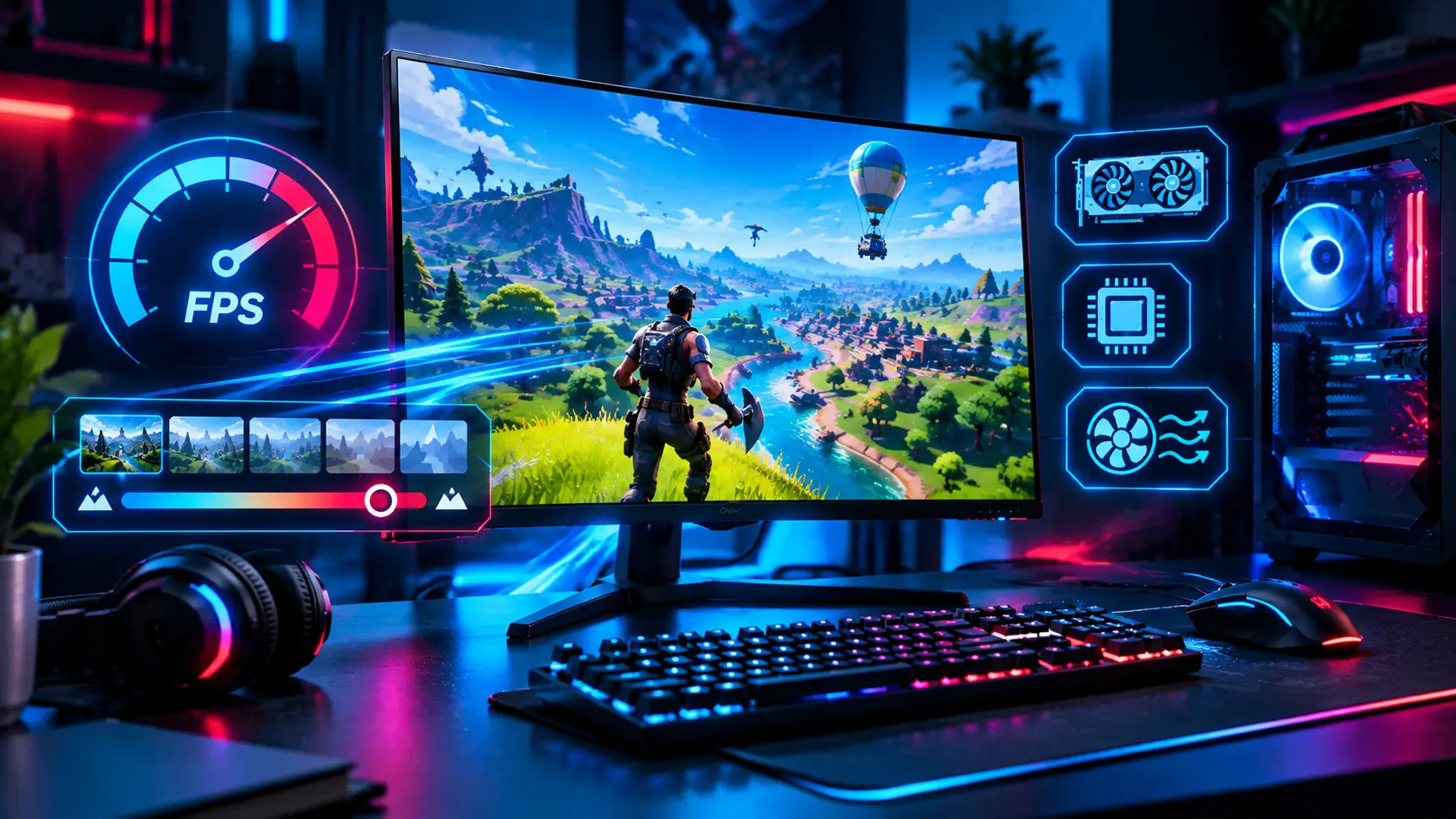
Fortnite is a demanding game on older or budget hardware, and its visual effects can bring a weak PC to a crawl. Performance Mode is Epic Games' built-in answer: a rendering option that strips back graphical features to cut memory use and lighten the load on your processor and graphics card. If your frame rate is low or inconsistent, it is the first setting to try.
What Performance Mode Does
Epic describes Performance Mode as an optional feature that lowers in-game visual quality to raise frame rates on lower-end hardware. In its 2026 competitive settings guide, Epic says the mode disables most rendering features to reduce memory usage and lighten the load on the CPU and GPU. The result is a simpler, flatter look and noticeably higher FPS, with less input delay, which is why competitive players use it even on strong PCs.
When Epic first introduced the feature, it published test results on weak laptops at 720p. One Intel Core i5-8265U system with 8GB of RAM and Intel UHD 620 graphics went from 24 FPS to 61 FPS, and an older AMD A10-5745M machine with 6GB of RAM went from 18 FPS to 45 FPS. Those numbers come from the feature's early launch on very modest hardware, so treat them as an example of the effect rather than a promise for your own system.
How to Enable It
Epic's original instructions were to launch Fortnite, open the settings menu, go to Advanced Graphics, choose Performance Mode, and restart the game. In current versions the option is found in the Video settings as a rendering mode, so look for "Rendering Mode" and select Performance. Either way, the game needs a restart before the change takes effect, and you can switch back at any time.
When Epic launched the feature, it noted a few limits: Save the World was unavailable while it was on, and it was not offered to GeForce Now players. Check the current notes in the game or on Epic's site if you play on those platforms.
Epic's Recommended Competitive Settings
For competitive play, Epic's 2026 guide suggests Performance Mode with the following graphics settings: View Distance set to Near, 3D Resolution at 100 percent as a minimum, Textures set to Low, Meshes set to Low, and VSync turned off. For the frame rate limit, Epic recommends Unlimited, or matching your monitor's refresh rate if you see screen tearing.
Keeping 3D Resolution at 100 percent matters because lowering it makes the image blurry and harder to read, which can cost you more than the extra frames gain you. If you need more FPS than these settings give you, lower Textures and Meshes first rather than reducing resolution.
Other Ways to Help a Slow PC
Epic recommends installing Fortnite on an SSD and having at least 6GB of RAM when using Performance Mode, and a dedicated graphics card helps further. If the install size is a problem, the Epic Games Launcher lets you uncheck "Use High-Quality Textures" under the game's options, which when Epic announced the feature removed roughly 14GB of data. Close background applications before you play, keep your graphics driver current, and make sure your monitor is actually running at its full refresh rate, which our guide to a monitor stuck at 60Hz explains how to check.
Is Performance Mode Worth It?
If you play on a low-end PC, a laptop, or you care more about smooth, responsive gameplay than looks, yes. The difference between a choppy 30 FPS and a steady 60 or more is huge for aiming and building. If you have a strong PC and want the full visuals, you can stay on the standard modes and tune individual settings instead.
New to building and editing? Our Fortnite building and editing guide covers the fundamentals, and the Fortnite game profile and latest Fortnite update cover what is new. If your PC is the limit, our budget gaming PC build shows an affordable upgrade path.
If settings alone are not enough, an upgrade may be the answer. Our complete gaming PC build and upgrade guide helps you decide whether to build or upgrade and what to set as a target.
Sources: Epic Games — Fortnite Performance Mode boosts PC FPS, Epic Games — Fortnite on PC: best settings for competitive play in 2026