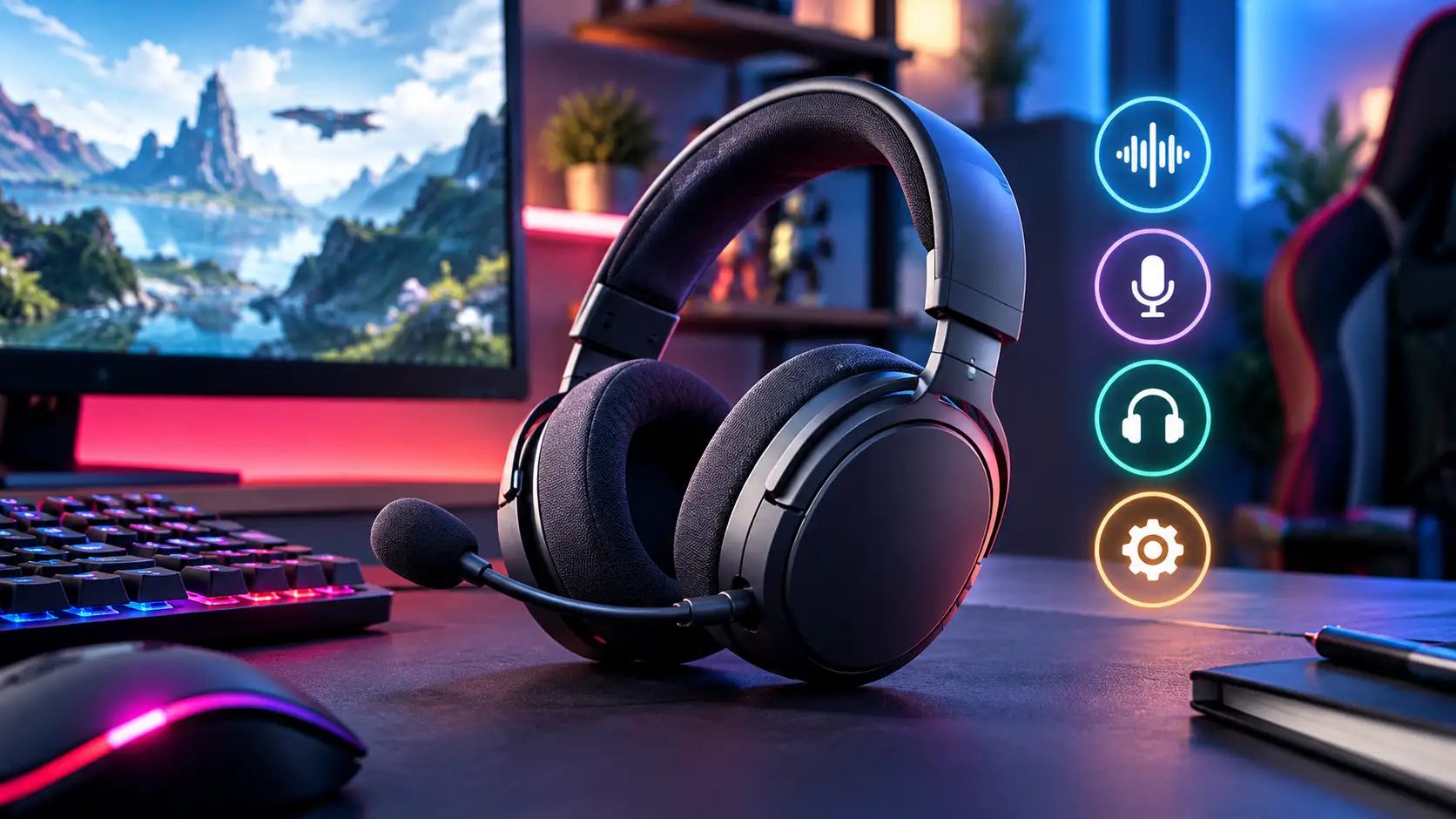
Gaming headset listings lean heavily on driver size and "7.1 surround sound" badges, but neither tells you much about how a headset will actually perform for you. Microphone quality, long-session comfort, and the wired-vs-wireless tradeoff do far more to determine whether a headset earns a permanent spot on your desk or ends up in a drawer after a month.
Microphone Quality Is Where Budget Headsets Cut Corners First
A headset's microphone is usually the first component manufacturers downgrade to hit a lower price point, and it's also the component your teammates actually experience — a muddy or noisy mic undercuts an otherwise solid headset fast. Look specifically for a detachable or flip-to-mute boom mic with noise cancellation or a cardioid pickup pattern, which rejects background noise (keyboard clatter, room echo, a fan) far better than an omnidirectional capsule. Budget headsets often advertise a microphone without specifying pickup pattern or noise handling at all — treat that omission as a signal, not an oversight. If voice chat clarity matters to you — competitive callouts, streaming, or just not annoying your squad — the mic spec deserves as much attention as the drivers.
Comfort for Long Sessions Beats Peak Audio Quality
A headset you take off after 90 minutes because your ears or head hurt is a worse buy than a slightly less detailed-sounding headset you can wear for a 4-hour session without discomfort. Clamping force, earcup material, and headband padding all matter more here than driver specs. Memory foam earcups with breathable fabric or hybrid leatherette-fabric covers generally outperform pure pleather for heat buildup over long sessions, though pleather isolates outside noise slightly better. Headband weight distribution — whether the weight sits on a padded band across the top of your head or relies on clamping pressure from the earcups — is the single biggest factor in whether a headset stays comfortable past the two-hour mark, and it's rarely listed as a spec at all, so review coverage of actual wear-time comfort matters more here than the spec sheet.
What should you prioritize if you game for multiple hours at a stretch? Comfort-focused factors — earcup material, clamping force, and headband weight distribution — matter more for long-session wear than driver size or frequency response range, since a headset that becomes uncomfortable after 90 minutes delivers worse real-world value regardless of how good it sounds in a 10-minute store demo.
Wired vs. Wireless: A Real Tradeoff, Not Just a Price Gap
Wireless gaming headsets have closed most of the latency gap that used to make wired the only serious option for competitive play, provided you're buying a proper 2.4GHz wireless gaming headset rather than a Bluetooth-only model — Bluetooth audio latency remains noticeably worse for games specifically, even though it's fine for music and calls. The real wireless tradeoffs now are battery life (budget wireless often means shorter battery life or a swap-dependent design) and the simple fact that wired removes battery management from the equation entirely. If you forget to charge things, wired removes that failure mode completely; if desk-cable clutter actually bothers you day to day, a quality 2.4GHz wireless headset is now a safe choice rather than a compromise.
Driver Size and Surround Sound: Mostly Marketing
Larger driver sizes (50mm is common, some go to 53mm+) don't reliably translate to better sound — tuning matters far more than raw driver diameter, and a well-tuned 40mm driver can outperform a poorly tuned 50mm one. "7.1 surround sound" on a gaming headset is almost always a software virtualization effect applied to two physical drivers, not seven actual speakers — it can genuinely help with directional audio cues in competitive shooters, but it's a software feature, not a hardware spec worth paying a premium for on its own. If positional audio matters to you, prioritize a headset with known-good stereo imaging and treat any surround-sound branding as a bonus, not a deciding factor.
Protect Your Hearing on Long Sessions
Comfort is not only about the earcups. The US National Institute for Occupational Safety and Health (NIOSH) recommends limiting noise exposure to 85 A-weighted decibels (dBA) averaged over an eight-hour day, and it advises halving the daily exposure time for every 3 dBA above that level. Gaming headsets rarely list their output in dBA, so NIOSH's rough guide is more useful here: at around 85 dBA you often have to raise your voice to be heard by someone three feet away. A practical rule of thumb is that if you cannot hear a person speaking next to you at a normal volume, your headset is probably too loud for a long session. NIOSH lists keeping the volume low and taking breaks among the ways to reduce risk. Its limits are written for workplaces, so treat the numbers as a sensible guide rather than a medical standard for headsets.
A Quick Checklist Before You Buy
- Microphone: Does the listing name the pickup pattern or noise handling, or does it only say a mic is included?
- Comfort: Have you read wear-time impressions in reviews, not just the spec sheet?
- Connection: If you want wireless, is it a 2.4GHz dongle rather than a Bluetooth-only model?
- Platform: Does it work with every device you play on, including a console or phone if you use one?
- Returns: Can you send it back if the fit is wrong? Comfort varies with head size, glasses and hair.
Common Questions
Is Bluetooth good enough for gaming? It is fine for music and calls, but its audio latency is noticeably worse for games, so a 2.4GHz dongle is the better wireless choice.
Does 7.1 surround sound improve aim? It can help with directional cues in some competitive shooters, but it is a software effect applied to two drivers, so treat it as a bonus rather than a reason to pay more.
Should I buy wired or wireless? Wired removes battery management and usually costs less. A 2.4GHz wireless headset is a safe choice if cable clutter bothers you.
Where to Spend, Where to Save
If you want a genuinely great all-rounder, our buyer's guides to the HyperX Cloud Alpha Wireless and SteelSeries Arctis Nova 7 cover two of the stronger wireless options on the market right now, while the wired HyperX Cloud II remains a reliable budget-to-mid-tier pick if you don't need wireless at all. RGB lighting and oversized driver claims are the easiest places to save — they add cost without meaningfully changing your experience. Check our gaming headset deals roundup for current pricing before buying at full price.
Build the Rest of Your Setup
If you are torn between two wireless picks, our Arctis Nova 7 vs HyperX Cloud Alpha Wireless comparison lays out the differences side by side. A headset is one part of a desk, so see our gaming mouse buying guide and gaming monitor buying guide, or the full Best Gaming Hardware in 2026 hub.