Gaming mouse marketing leans hard on numbers that stopped mattering years ago — max DPI chief among them — while burying the specs that actually change how a mouse feels in your hand and performs in a match. Weight, sensor quality, and wireless latency do almost all the real work. Here's how to weigh them against each other and where shape and price fit into the decision.
Weight: The Spec With the Biggest Real Impact
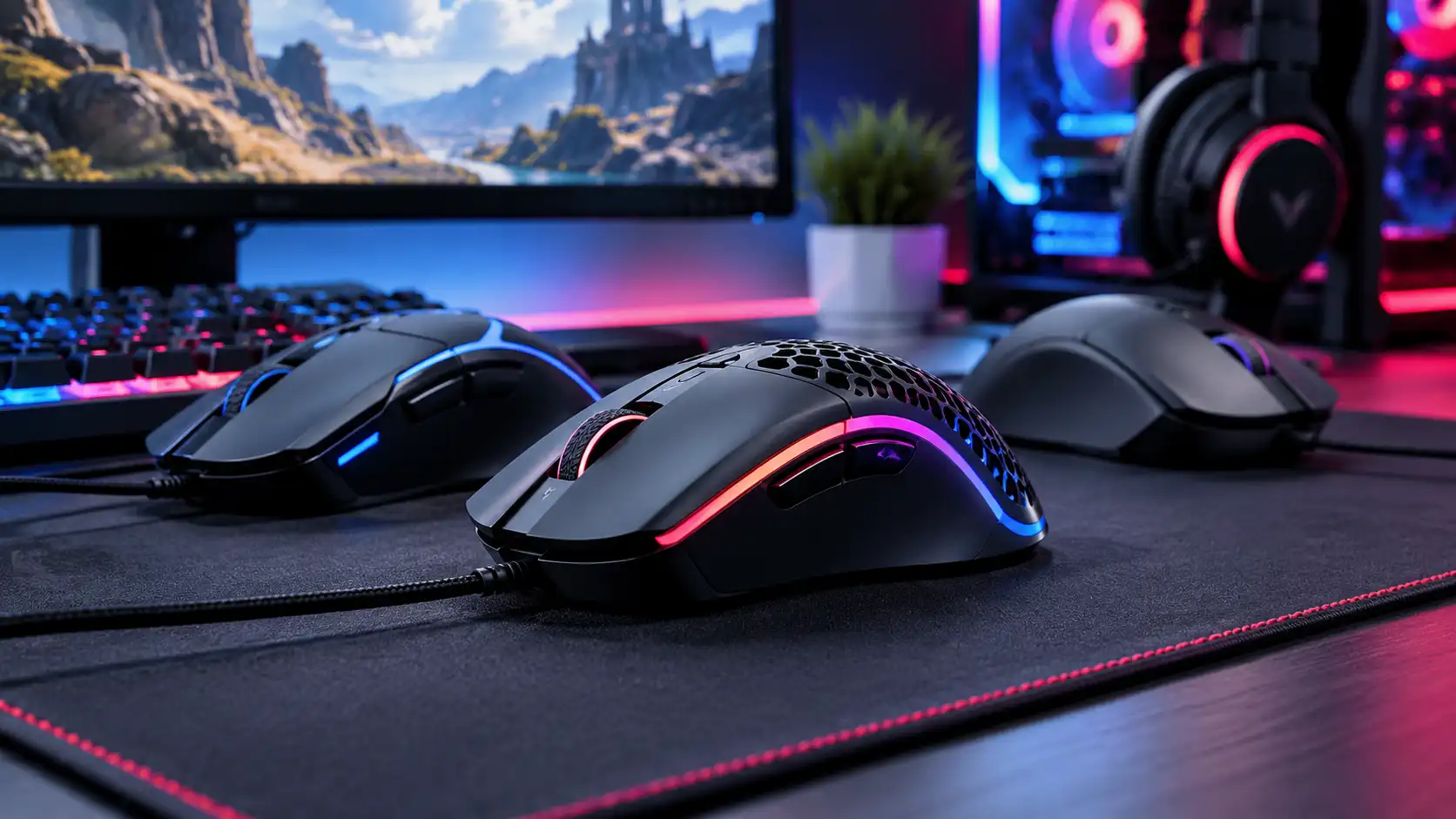
Mouse weight has dropped dramatically over the past several years, and for good reason: a lighter mouse means less wrist and arm fatigue over long sessions, and faster, more controlled flicks for aim-intensive genres. Competitive-focused mice now commonly sit in the 55-75g range, achieved through honeycomb shells, smaller internal components, or both — down from the 100g+ mice that were standard a decade ago. That said, ultra-light isn't automatically better for everyone: a mouse that feels insubstantial under a heavier hand, or that creaks under its own honeycomb cutouts, is a real downgrade dressed up as a spec-sheet win. If you palm-grip with a larger hand, a mid-weight mouse in the 80-90g range often feels more stable than chasing the lightest number available.
Sensor Quality Matters More Than Max DPI
Max DPI numbers on mouse boxes have become essentially meaningless as a buying signal — most players use somewhere between 400 and 1600 DPI in practice, far below the 20,000+ DPI figures printed on packaging. What actually matters is sensor quality at the DPI range you'll use: tracking accuracy, consistent lift-off distance, and the absence of smoothing or acceleration artifacts the sensor shouldn't be adding. Modern flagship optical sensors from the major sensor manufacturers (used across most serious gaming mice regardless of brand) all perform well at realistic DPI settings — the differentiation between a $30 mouse and a $150 mouse is rarely raw sensor capability anymore, and far more often build quality, switch durability, and software polish.
What should you actually look for in a gaming mouse sensor? Ignore the advertised max DPI figure entirely and instead check whether the sensor is a known, well-regarded model used across multiple manufacturers' flagship mice — those sensors deliver accurate tracking at the 400-1600 DPI range nearly all players actually use, while an unbranded or budget sensor can introduce tracking inconsistencies even at modest DPI settings that no amount of marketing numbers will fix.
Wireless Latency Is Rarely the Problem — If You Buy the Right Tier
Wireless gaming mice used to carry a real input-lag penalty against wired competitors; that gap has closed for any mouse using a proper 2.4GHz gaming dongle rather than standard Bluetooth. Bluetooth remains noticeably less responsive and isn't recommended for competitive play — it's a convenience mode for productivity use, not for ranked matches. PC Gamer's Jacob Fox wrote in October 2025 that the best wireless mice have latency good enough that even top players would not notice a difference, which makes the wired-vs-wireless decision for a quality 2.4GHz mouse from a reputable gaming brand mostly about battery management and cost rather than performance compromise. Our wireless vs wired gaming mouse comparison goes deeper on latency, weight, battery and price. Budget wireless mice sometimes cut corners on the wireless chip itself, so if latency matters to you, stick to wireless mice specifically marketed and tested for gaming rather than general productivity wireless mice repurposed for gaming use.
Shape and Grip Style
No single shape works for every hand, and this is the one category spec sheets can't tell you — you largely need to have used a mouse, or at least handled a similar shape, to know if it fits. The three broad grip styles are palm (full hand resting on the mouse), claw (arched fingers, palm partially off the back), and fingertip (only fingertips touching, palm fully raised). Larger, taller mice tend to suit palm grips; smaller, lower-profile shapes suit claw and fingertip grips better. If you're buying online without testing in person, check a mouse's length and height specs against a mouse you already own and like, rather than relying on marketing descriptions of "ergonomic" or "ambidextrous" shape.
Polling Rate: When 1000 Hz Is Enough
Polling rate is how many times per second a mouse reports its position to your PC. Most gaming mice report 1,000 times per second, or 1000 Hz. Higher rates now exist: TechPowerUp's review of the wired Razer DeathAdder V3 lists support for 125, 500, 1000, 2000, 4000 and 8000 Hz, and Engadget reports that the Logitech G PRO X Superlight 2 raises its polling rate to 2000 Hz. Higher rates can make cursor movement look smoother on a high refresh rate monitor, but they can also add CPU load and, on a wireless mouse, shorten battery life. For most players 1000 Hz is plenty, so treat anything higher as optional.
A Four-Step Way to Choose
- Fix your budget. Decide how much you are willing to pay before you compare features.
- Pick the shape and grip first. Match the mouse's length and height to a mouse you already like.
- Choose the weight range. Go lighter if you play fast aim-heavy games, and mid-weight if you have a larger palm grip.
- Decide on wired or wireless. Wired removes battery management, while a 2.4GHz wireless mouse removes cable drag.
Where to Spend, Where to Save
Honeycomb shells, ultra-light builds, and top-tier wireless chips genuinely matter if you play competitively and notice the difference — our Logitech G PRO X Superlight review and its comparison against the Razer Viper Ultimate cover what that tier actually buys you. If you're a casual or mid-level player, a mid-range wired or wireless mouse with a solid sensor — like our Logitech G305 review covers — delivers the vast majority of the performance for a fraction of the price. RGB lighting, programmable button counts beyond 5-6, and onboard memory profiles are nice-to-haves, not performance factors — spend there only after weight, sensor, and shape are settled. For current pricing across tiers, check our gaming mouse deals roundup before buying at full price.
Common Questions
Does max DPI matter? No. Most players use between 400 and 1600 DPI, far below the numbers printed on boxes.
Is a lighter mouse always better? No. A mouse that feels insubstantial or creaks under its own cutouts is a downgrade, and a mid-weight mouse can feel more stable for a larger palm grip.
Is Bluetooth good enough for competitive play? Bluetooth is not recommended for competitive play. Use a 2.4GHz dongle instead.
Keep Building the Setup
A mouse works best with a monitor that shows every frame, so read our gaming monitor buying guide next, and our gaming headset buying guide to complete the desk. For the full picture of how each category fits, see Best Gaming Hardware in 2026.
Sources: PC Gamer — If you're still on the fence like I was, take the plunge and try a lightweight wireless gaming mouse, TechPowerUp — Razer DeathAdder V3 Review, Engadget — The Logitech G Pro X Superlight 2 improves an already great gaming mouse