A high-end gaming PC in 2026 isn't just a budget build with every number doubled. The jump in cost is real, but where that money should actually go changes shape once you're targeting 1440p high-refresh or 4K rather than 1080p — and a surprising number of high-end builds still overspend in the wrong places while underspending in others.
Priority order: GPU and monitor scale together, then everything else follows
Should you target 1440p high-refresh or 4K when planning a high-end build in 2026? It depends on what you actually play: 1440p at 165Hz-240Hz suits competitive and fast-paced titles where frame rate matters more than resolution, while 4K at a more moderate 60-120Hz suits single-player and visually driven games where sharpness and detail matter more than chasing the highest possible frame rate. A top-tier current-generation GPU in the RTX 5080 class can realistically drive either target, but the display and refresh rate you pair it with should match whichever priority actually fits how you play, since a mismatch there wastes a meaningful share of what the GPU can deliver. At the high end, the GPU and the display it's driving have to be planned as a pair even more than in a budget build, since a top-tier card paired with a display that can't show the result wastes the majority of what you just paid for.
Where high-end builds commonly overspend without gaining much: chasing the absolute highest-clocked, most expensive motherboard when a solid mid-to-upper board with adequate VRM headroom for the CPU already covers everything a gaming build needs. The extra cost of flagship motherboard tiers goes toward overclocking headroom and connectivity most gaming-focused builds won't use.
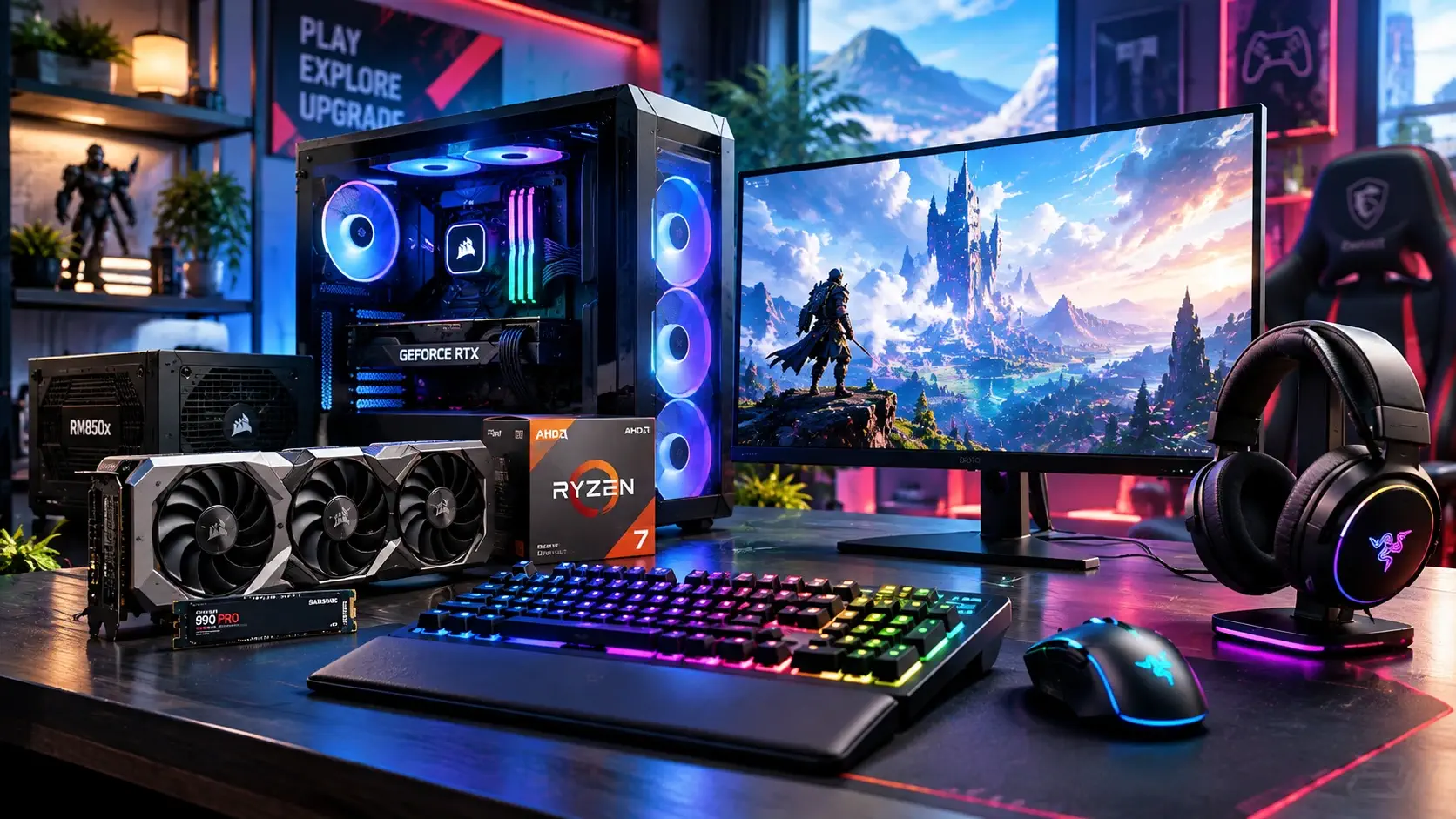
A high-end gaming PC for 1440p high-refresh or 4K in 2026 pairs a top-tier current-generation GPU with a CPU that won't bottleneck it — typically a high-performing 3D V-Cache chip like the Ryzen 7 9800X3D rather than simply the highest core-count option available — backed by 32GB or 64GB of fast DDR5 memory, a Gen4 or Gen5 NVMe SSD in the 2-4TB range, and a genuinely robust, efficiency-certified power supply sized with headroom for the GPU's peak draw. The goal at this tier isn't maximizing every spec simultaneously — it's making sure the GPU, CPU, and display are matched to the same target resolution and refresh rate, since a mismatch anywhere in that chain wastes the premium you're paying elsewhere.
Where to spend
- GPU — still the largest single line item, and rightly so. A top-tier current-generation card in the RTX 5080 class is the realistic ceiling for most high-end builds without moving into diminishing-returns flagship territory.
- A high-refresh 1440p or 4K display — this is where the GPU's extra performance actually becomes visible. An OLED panel like the Alienware AW3423DWF is a strong match for a high-end GPU's output, delivering both the refresh rate and picture quality to make the upgrade feel worth it.
- A genuinely capable CPU cooler — high-end CPUs run hotter under sustained load, and a 360mm AIO like the Arctic Liquid Freezer III 240 (or its larger 360mm sibling) keeps thermals in check without the noise of an undersized cooler working overtime.
- Power supply headroom and certification — a high-end GPU's peak power draw spikes can be significant, and an efficiency-certified unit with real headroom above your system's typical draw protects against instability under load, not just at idle.
Where to save
- Motherboard flagship tiers — a solid mid-to-upper board with adequate VRM headroom for your CPU covers a gaming build's actual needs; flagship boards mostly add overclocking headroom and connectivity most builders won't use.
- RAM beyond 32-64GB — for gaming specifically, 32GB is already generous and 64GB covers gaming plus heavy multitasking or content creation; going higher rarely improves frame rates.
- Case aesthetics over airflow — a case with genuinely strong airflow, like the NZXT H5 Flow, matters more for sustained high-end thermals than premium styling or extensive RGB.
- Storage beyond your actual library size — a fast Gen4 or Gen5 NVMe drive in the 2-4TB range covers a large modern game library; going bigger only matters if you specifically know you need the space.
A realistic budget bracket, not invented numbers
Component pricing shifts constantly, especially at the high end where GPU generations and memory shortages can move prices significantly within weeks, so treat any specific number as a snapshot. As a general shape for a 2026 high-end build targeting 1440p high-refresh or 4K, the GPU typically consumes close to half the total budget, with the CPU and cooling as the next-largest share, and motherboard, RAM, storage, PSU, and case splitting the remainder. Is it worth paying the premium for a Ryzen 9 9950X3D over the cheaper Ryzen 7 9800X3D in a high-end gaming build? Only if you also use the system for heavy non-gaming workloads like rendering or streaming — for gaming performance specifically, the two chips land close enough that the 9800X3D remains the better value, and the extra cost of the 9950X3D is really paying for cores that gaming alone won't use. Check current pricing on both in our CPU deals roundup before finalizing a parts list.
Building tips that actually affect performance at this tier
- Enable XMP/EXPO and confirm your RAM is actually running at its rated speed. High-end builds are more likely to run fast DDR5 kits, and leaving them at JEDEC defaults leaves real performance on the table.
- Update GPU drivers and motherboard BIOS/chipset drivers before benchmarking. This matters even more on newer high-end platforms, where early BIOS revisions can meaningfully underperform later ones.
- Plan case airflow around your radiator, not just fan count. A 360mm AIO needs enough front or top intake to actually pull cool air through it; cramming a large radiator into a case without matching airflow undermines the cooling upgrade.
- Don't skip PSU headroom math. High-end GPUs can spike well above their rated TDP for brief moments, and a power supply sized too close to your system's average draw can cause instability under exactly those spikes.
A high-end build done right isn't about maxing every spec simultaneously — it's about matching your GPU, CPU, and display to the same target resolution and refresh rate, then spending the rest where it actually improves the experience rather than the spec sheet. Compare that against our budget gaming PC build guide if you're deciding which tier actually fits what you play.
Want the whole process from parts list to first boot? Our complete gaming PC build and upgrade guide walks through every step, including the BIOS and temperature checks a high-end build needs.