DisclosureGameRath may earn a commission if you buy through links on this page, at no extra cost to you. How we make money
GameRath may earn a commission if you buy through links on this page.
This is a buyer's guide compiled from manufacturer specifications and published reviews. GameRath did not test this product.
Key specs
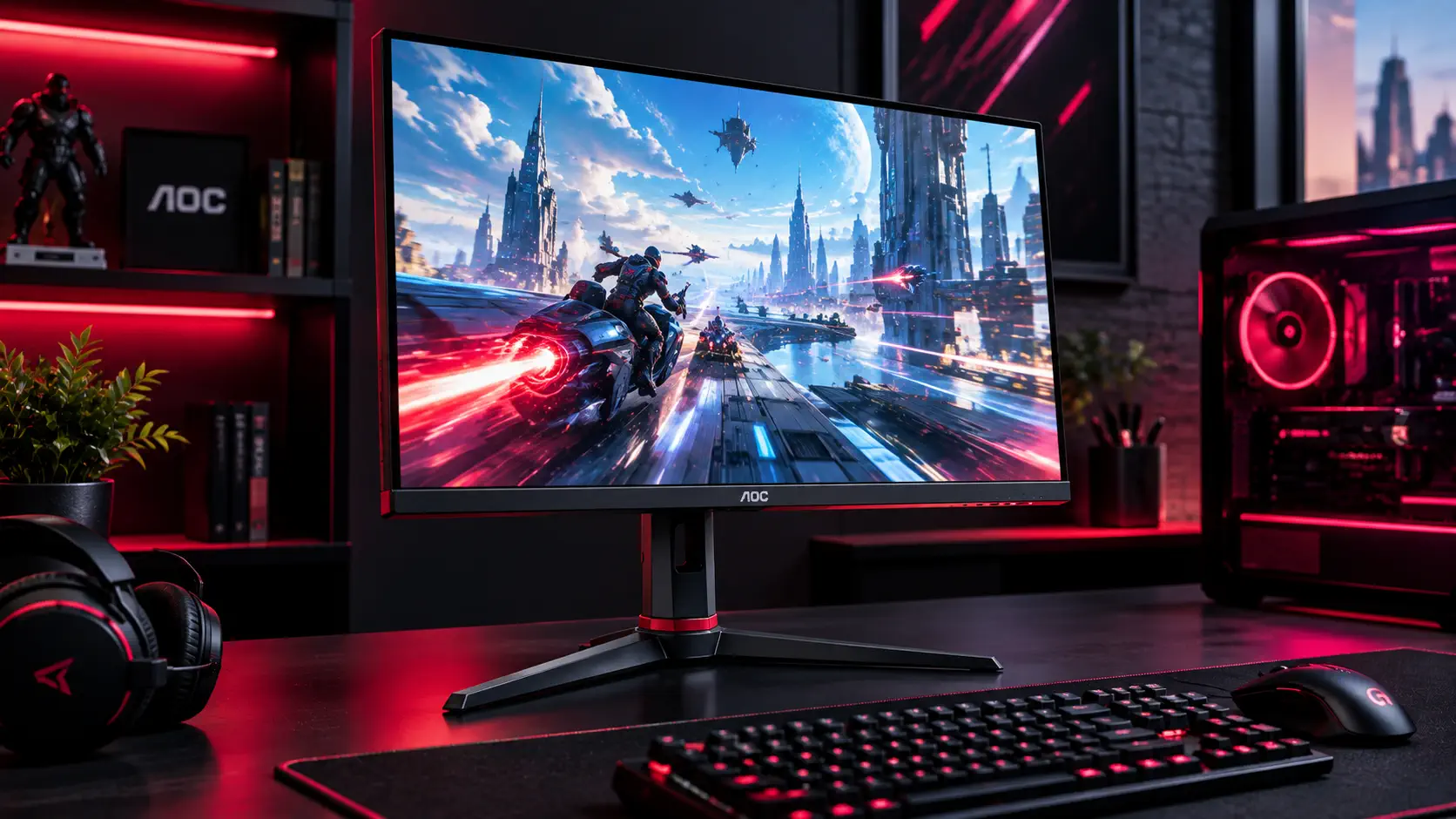
- Panel: 23.8-inch IPS, 1920x1080
- Refresh rate: 144Hz, with AMD FreeSync Premium and low framerate compensation per AOC (DisplayNinja also reports G-SYNC Compatible certification)
- Response time: 4ms gray-to-gray and 1ms MPRT, per AOC
- Brightness: 250 cd/m² rated; contrast 1,000:1
- Color: 126% sRGB coverage, per DisplayNinja
- Inputs: DisplayPort 1.2, two HDMI 1.4, VGA and a headphone jack
- Stand: 130mm height range, tilt, swivel and pivot, per DisplayNinja
What published reviews found
DisplayNinja was the most detailed source. It found colors vibrant and accurate out of the box, with a factory delta E under 2, and measured input lag of about 4ms at 144Hz. It praised the fully ergonomic stand and the gaming feature set, which includes FreeSync and 1ms MPRT. On the downside, it said the sRGB mode locks brightness at 90 out of 100, which is too bright for a dark room, and that IPS glow shows in pitch-black conditions. It also preferred a joystick to the four-button on-screen menu and noted that the backlight strobing mode cannot be used with FreeSync.
GamesRadar called it a very competitive package for the money, citing good all-round image quality, quick response and no visible overshoot at the fastest overdrive setting. Its criticisms were the 1080p resolution, the lack of HDR and the fact that it is not aimed at tournament-level esports.
Price and availability
Launch prices differed by source: DisplayNinja put it at roughly $230, while GamesRadar listed about $180 in the US and about £150 in the UK. DisplayNinja notes that AOC later released the 24G2SP at around $200, and TFTCentral reported that AOC replaced the 24G2U family with 165Hz 24G2SPU and 27G2SPU models. Because the line has been refreshed, check which version a retailer is actually selling, and compare current prices on our monitor deals page.
Who it's for
The 24G2 suits a first competitive gaming setup on a tight budget, especially if you are moving up from a 60Hz screen and want a monitor that can be adjusted for height and rotated. It also works for console players who only need 1080p at high refresh rates, according to GamesRadar.
Skip it if you want 1440p or HDR, or if you plan to move to a bigger screen. A step up to 1440p is the ASUS TUF Gaming VG27AQ or the Gigabyte M27Q, both covered on this site. If you want to stay at 1080p, look at the newer 165Hz AOC G2 models.
Bottom line
Published reviews describe the 24G2 as an accurate, flexible and fast 1080p IPS monitor that was priced aggressively at launch. Its main weaknesses are the resolution, missing HDR and a few small usability quirks, and AOC has since refreshed the line. It remains a reasonable budget choice if you find it or a close sibling at a good price, but compare current options first.
Still choosing a monitor? Our Best Gaming Hardware in 2026 hub places the AOC 24G2 next to the other four monitor guides and explains how resolution and refresh rate should match your graphics card. Our gaming monitor buying guide explains which specs to prioritize first.
Sources: DisplayNinja - AOC 24G2 Review: Budget 1080p 144Hz IPS FreeSync Gaming Monitor, GamesRadar - AOC 24G2 review, AOC - 24G2 product page, TFTCentral - AOC Update Popular G2 Series 24" and 27" Monitors with 165Hz Refresh Rate
Pros
- Vibrant, accurate factory color for a budget IPS monitor (DisplayNinja)
- Stand with height, tilt, swivel and pivot adjustment (DisplayNinja)
- 144Hz with FreeSync and about 4ms of measured input lag (DisplayNinja)
- Competitive launch pricing for a 144Hz IPS monitor (GamesRadar)
Cons
- 1080p resolution and no HDR support (GamesRadar)
- sRGB mode locks brightness at 90, which is too bright for dark rooms (DisplayNinja)
- IPS glow is visible in very dark conditions (DisplayNinja)
- Navigation relies on buttons rather than a joystick (DisplayNinja)