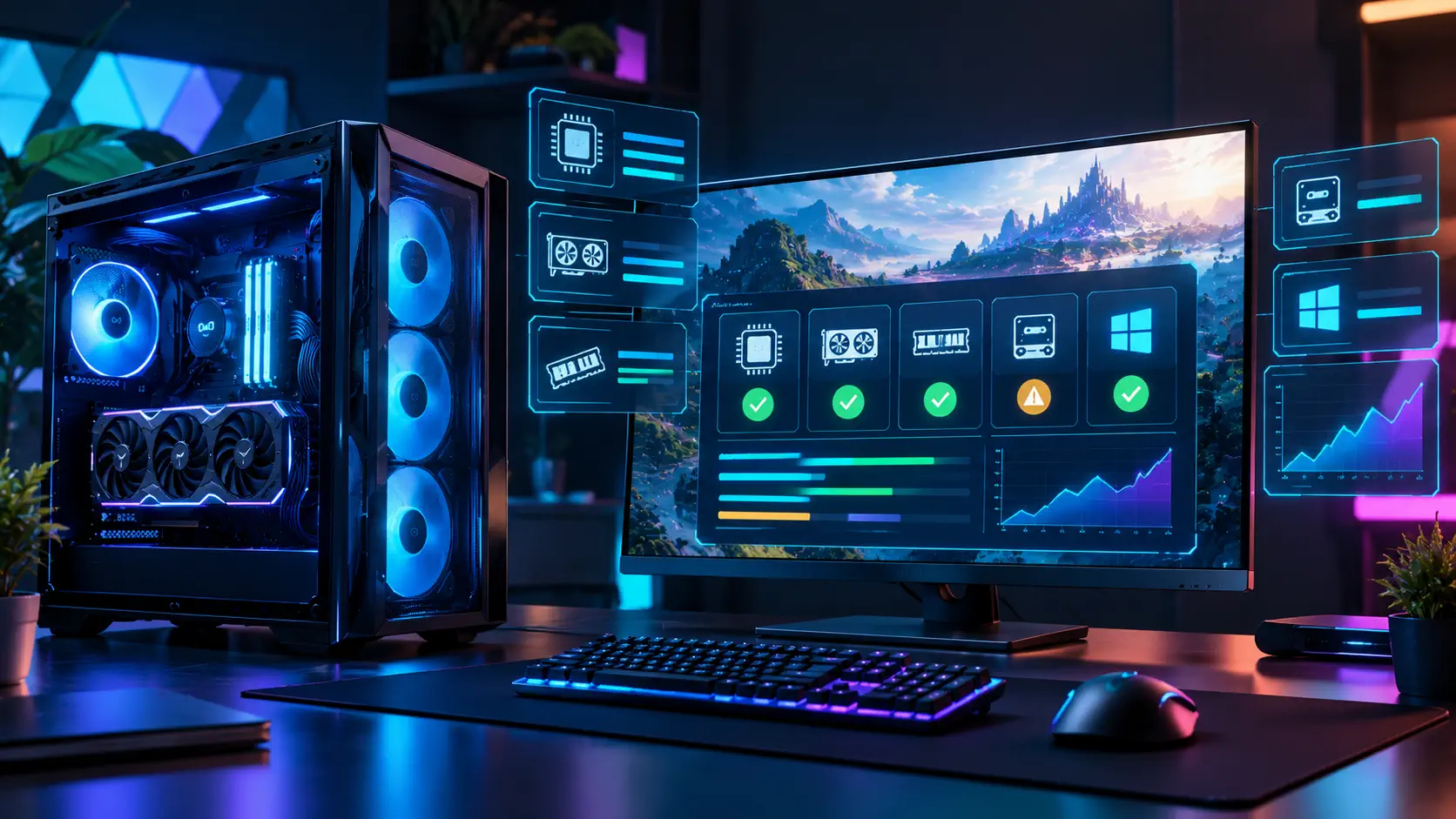
To know whether your PC can run a game, compare four things on its requirements page with your own parts: the processor, the graphics card and its video memory, the amount of RAM, and the storage type and size. Then read the small print, because in 2026 many requirements lists also include a target resolution, an upscaling assumption and security settings such as TPM 2.0 and Secure Boot. This guide shows how to find your specs and how to read three real publisher lists.
Quick answer: Press the Windows key plus I, open System and then About to see your processor and installed RAM, then run dxdiag and open the Display tab to see your graphics card and its video memory. Compare those with the game's minimum tier if you only want it to start, and with the recommended tier if you want it to play well. Then check storage type, security settings and the resolution and frame rate the publisher is aiming for.
Step 1: Find Your Own Specs
Tom's Guide describes two simple methods on Windows 11. In Settings, press Windows plus I, choose System, scroll to About and look under Device specifications for the processor and installed RAM. For the graphics card, press Windows plus S, type dxdiag and open the DirectX Diagnostic Tool. The System tab shows the processor, RAM and DirectX version, and the Display tab shows the graphics card name, chip type and its memory. If your PC has two graphics adapters, a second Display tab shows the other one.
Write the numbers down once. You will reuse them every time you check a new game.
Step 2: Understand the Tiers
Publishers use different labels, so read what each tier promises rather than just its name.
Activision's Modern Warfare 4 page has three: a minimum, a recommended tier described as high graphics at 90 FPS in multiplayer, and an ultra tier described as ray tracing with 4K upscaling. EA's Battlefield 6 page has two tiers, and the recommended one lists a Ryzen 7 3700X or Core i7-10700, an RTX 3060 Ti-class card with 8 GB of video memory, and an SSD. DSOGaming reports that Phantom Blade Zero's minimum targets 1080p at 30 frames per second with upscaling enabled, while its recommended tier targets 1440p at 60 frames per second with upscaling.
The lesson: a minimum tier usually means the game starts and plays at low settings, while the recommended tier is the one that matches a stated target. Neither is a guarantee. Treat the numbers as a starting point, as we noted in our Battlefield 6 requirements guide. Two full examples are our Modern Warfare 4 requirements guide and our Phantom Blade Zero requirements guide.
Step 3: Check Video Memory
Video memory, or VRAM, is the memory on your graphics card, and it is listed in the Display tab of dxdiag. Activision's Modern Warfare 4 tiers show how it scales: 3 GB at minimum, 8 GB at recommended and 16 GB at ultra. If your card has less VRAM than the tier you are aiming for, lowering texture quality is usually the first setting to change. If it is far below the minimum, an upgrade is the real fix.
Step 4: Check RAM and Storage
RAM requirements in these lists run from 8 GB at the lowest tier to 32 GB at the highest. Modern Warfare 4 lists 8 GB, 16 GB and 32 GB across its tiers, and Battlefield 6 lists 16 GB for both. Our RAM guide explains when 32 GB is worth it.
Storage has two parts: size and type. Modern Warfare 4 asks for 115 GB on an SSD at launch for all three tiers, and Phantom Blade Zero requires an SSD, as DSOGaming reports. Battlefield 6 is the exception: EA lists 55 GiB on a hard drive for the minimum tier and 80 GiB on an SSD for the recommended one. If a game is large, check free space before the download starts.
Step 5: Read the Security and Extras
Newer games add requirements that are not about speed. Modern Warfare 4 requires TPM 2.0 and Secure Boot, DirectX 12, a processor with the AVX instruction set and a broadband connection, and it says Intel Arc graphics cards need Resizable BAR. Battlefield 6 lists TPM 2.0 and Secure Boot too.
If a game refuses to start and your parts look fine, check these settings next. Our Secure Boot and TPM walkthrough shows the exact steps, and our Resizable BAR guide covers the Arc requirement.
Step 6: Decide What to Do
If you pass the minimum but not the recommended tier, you can usually play at lower settings. If you fail the minimum on the graphics card, no setting will rescue it. Before paying for an upgrade, see where the bottleneck is: our gaming PC build and upgrade guide helps you decide what to change, and our budget build shows where a small budget goes furthest. For a free game that runs on modest hardware, try our low-end PC list.
Common Questions
Does "upscaling" in a requirements list mean I need a new card? It means the publisher's frame rate target assumes a feature like DLSS or a similar upscaler is switched on. Check which upscalers the game supports.
Can I run a game on a laptop? Activision notes that its requirements are for desktop PCs and that some laptops with matching graphics may work but may be unsupported.
Do requirements change? Activision says its listed specs apply at launch and may change in future updates.
Is a recommended tier enough for high settings? Not always. Activision labels its recommended tier as high graphics at 90 FPS in multiplayer, while Phantom Blade Zero's recommended tier targets 1440p at 60 FPS with upscaling. Read the target, not the label.
Sources: Tom's Guide — How to find your computer's specs on Windows 11, Activision — PC system requirements for Modern Warfare 4, EA — Battlefield 6 system requirements, DSOGaming — Phantom Blade Zero official PC requirements