DisclosureGameRath may earn a commission if you buy through links on this page, at no extra cost to you. How we make money
Webcams and controllers don't get the same deal-page attention as mice, keyboards or headsets, but they're just as easy to overpay for when you finally decide to upgrade. Two picks worth a look this week: a streaming-grade webcam that actually looks good in low light, and the PC controller most people end up buying anyway.
GameRath may earn a commission if you buy through links on this page. Here's what's worth your cart.
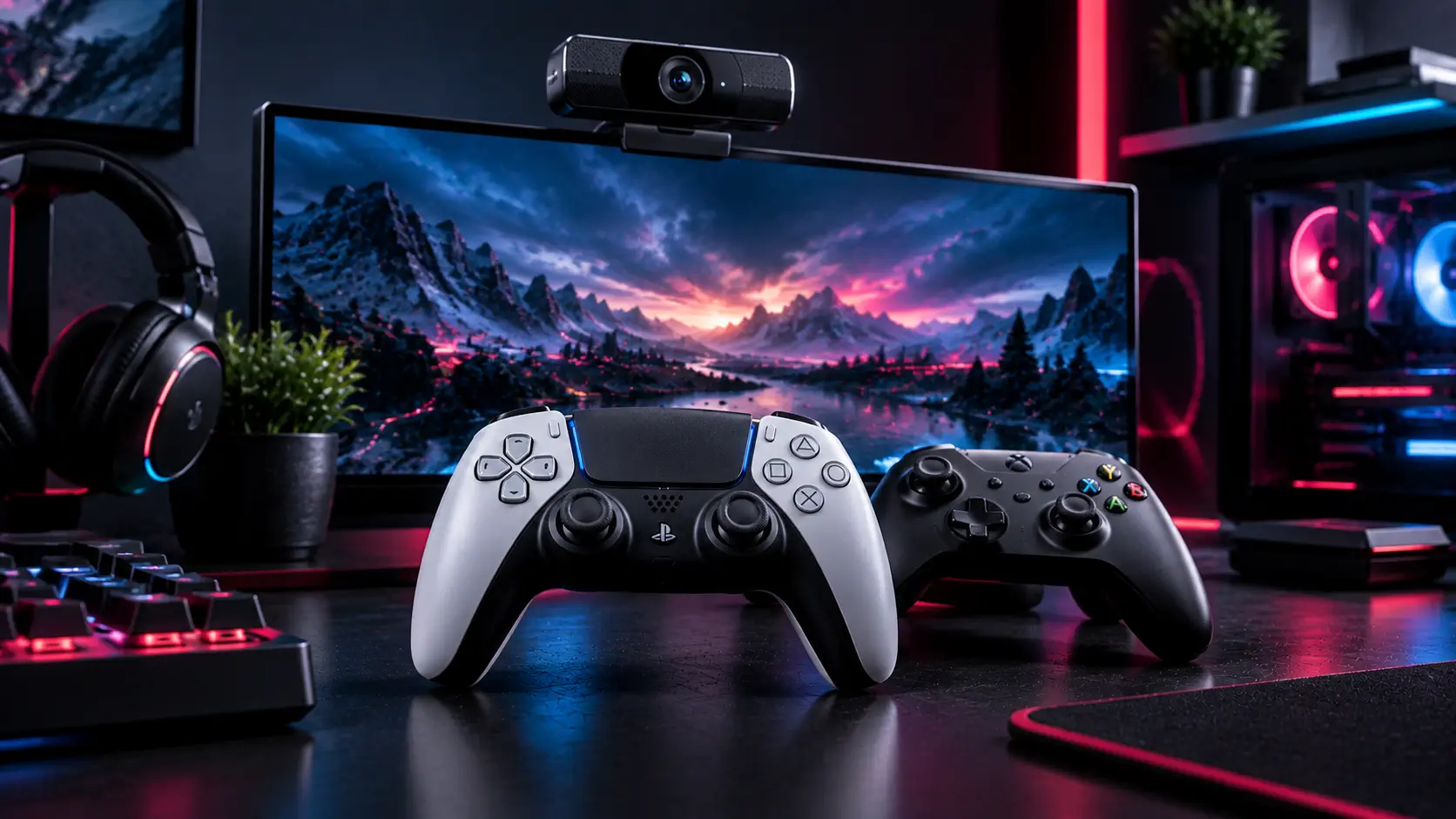
Logitech Brio 500
The Logitech Brio 500 is a 1080p60 webcam built for streaming and video calls, with a wider dynamic range than most budget webcams and a built-in privacy shutter that actually feels sturdy instead of flimsy. It sits above entry-level options like the older C920 in image quality — noticeably better in mixed or low light, which matters if your setup includes RGB lighting that can otherwise wash out a cheaper sensor — while staying well short of a full mirrorless-camera capture setup in both price and complexity. It launched around $130 and has been trading in the $80-$100 range during sales, which is a reasonable entry point if you're tired of your laptop's built-in camera on stream or on calls and don't want to deal with a capture card and a real camera.
Xbox Wireless Controller
For PC gaming, the standard Xbox Wireless Controller remains the safest, most compatible pick — plug-and-play support in effectively every PC game with controller support, no third-party driver hunting required, and a shape that's aged well since the Xbox One generation. It typically sells around $60 at full price, and color variants (not just the standard black/white models) regularly drop into the $40-$50 range during sales. It's not the most feature-loaded controller on the market — no back paddles, no adjustable triggers — but for straight compatibility and reliability on PC, it's hard to beat at a discount, and it doubles as your console controller if you also play on Xbox.
What to actually check before buying
- Connection type. The standard Xbox Wireless Controller needs either a USB-C cable or the separate Xbox Wireless Adapter for PC — Bluetooth works for many games but not all, so check which connection method the listing actually includes.
- Firmware/driver updates. Both devices work best after a first-run software update (Logitech G HUB for the Brio, the Xbox Accessories app for the controller) — factor in five minutes of setup before your first stream or match.
- Field of view vs. distance. Webcam FOV numbers matter more than megapixel count for how much of your desk setup is visible — check the listed FOV against your actual desk distance before assuming "more megapixels" means "better shot."
- Bundle listings. Some marketplace listings bundle a controller with an official charging dock or the webcam with a tripod at a inflated combined price — compare against the standalone price before assuming the bundle is the better deal.
Bottom line
Neither of these categories gets discounted often, so a webcam and a controller both dropping in the same week is worth acting on if either was already on your list. The Brio 500 is the pick if your current camera makes you look worse than your setup deserves; the Xbox Wireless Controller is the pick if you just want something that works with every PC game without a second thought. Finishing out your desk this week? Check our gaming keyboard deals and gaming mouse deals too.
Not sure a discount is real? Our Best Gaming Deals hub rounds up GPUs, peripherals and free games and shows how to spot a real deal.