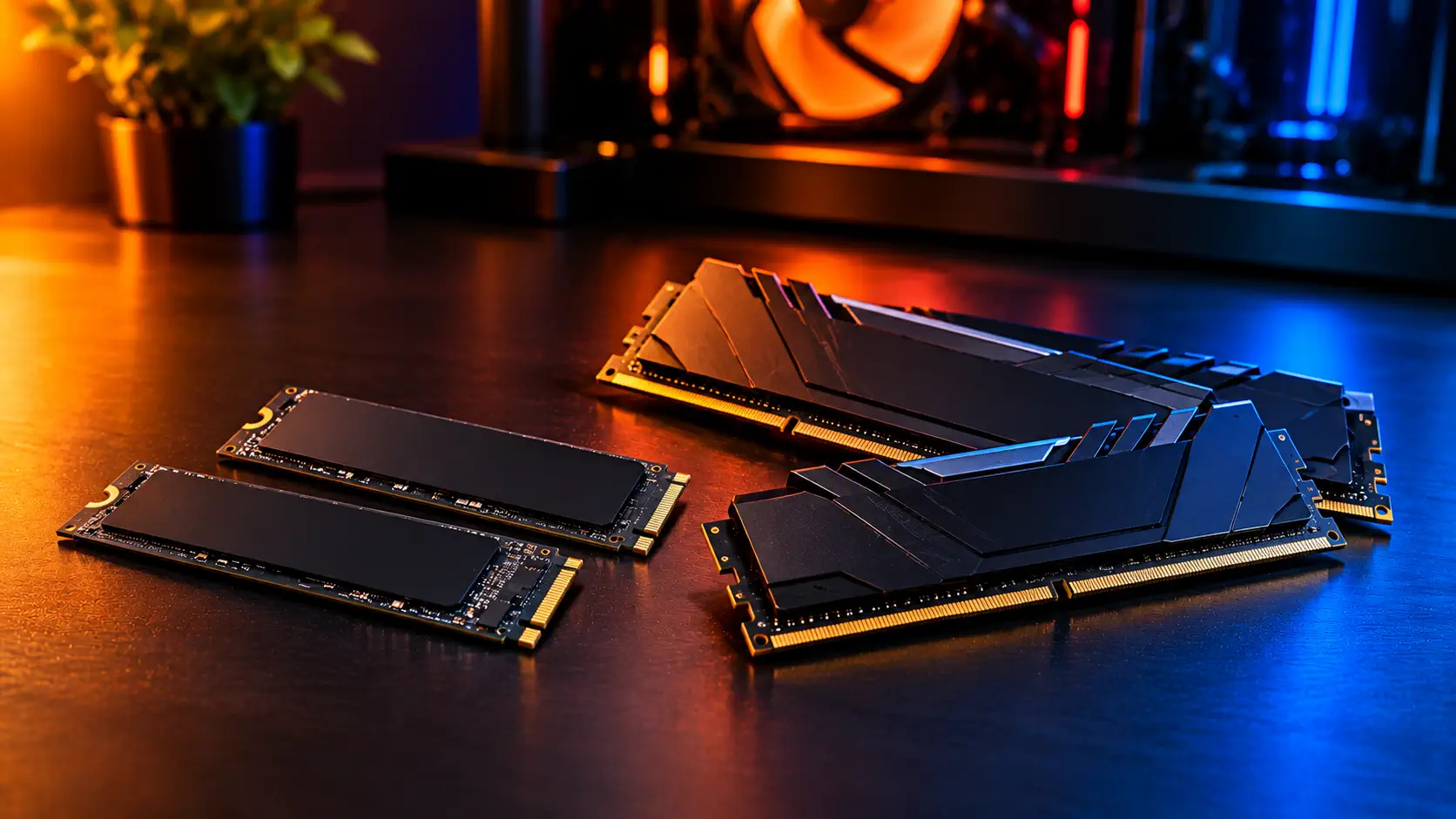
Black Friday 2026 SSD and RAM deals are worth watching if you already know what capacity you need and can confirm that the listing is the exact product you want. The quick version: add up what you actually install before choosing an SSD size, pick 16GB or 32GB of RAM from how you play and what runs beside the game, and then check four details in the listing before you look at the price. Memory prices are under pressure this quarter, which makes a clear plan more useful than a quick click. This page lists no prices on purpose. They change by the hour, and the retailer's page is the only number that counts. Our Black Friday gaming guide covers the dates and the wider market.
Start With the Capacity You Actually Need
SSD: the right size depends on your library and how often you reinstall. As an example of how fast space goes, Valve's Steam page lists 85GB of storage for Counter-Strike 2, so a library of six titles that size would take about 510GB before Windows and updates. Not every game is that large, so add up your own installs and leave room to grow. The SSDs in our gaming SSD guide come in sizes from 250GB to 4TB, and the cheapest 4TB option among them is a QLC drive with lower endurance.
RAM: 16GB is the practical starting point for gaming, and 32GB makes sense if you keep Discord, a browser or a stream running beside the game, if you play recent big games on a graphics card with 8GB of video memory, or if you expect to keep the PC for years. Battlefield 6 lists 16GB as its minimum, so 8GB is not a sound choice for a new build. Our RAM guide explains the reasoning and recommends buying two matching sticks rather than one.
Check the Listing Before You Check the Price
A discount only helps if the product is the right one. For SSDs, confirm these details:
- The exact model and capacity. The same product name can hide different versions. Tom's Hardware found that the Kingston NV3 uses different controllers and flash between units, so two drives bought months apart may not behave identically.
- DRAM or DRAM-less. Reviews describe DRAM-less drives as quick for game loading, with the trade-off showing up mainly in sustained writes and heavy mixed workloads.
- Endurance (TBW) and flash type. Among the five drives in our guide, 1TB endurance runs from 220TBW for a QLC drive up to 1,275TBW for the highest-rated one. The gap matters mostly if you write a lot.
- Whether a newer model has replaced it. TheFPSReview describes the WD Black SN7100 as the upgrade to the SN770. If the newer drive sells at a similar price, it is the stronger option on paper.
- Who is selling it. Tom's Hardware reported that Micron would stop supplying Crucial-branded consumer products by the end of February 2026, so a new Crucial drive may be leftover stock or a third-party listing.
- A heatsink, if you need one. The PlayStation 5 requires a heatsink, and reviews disagree on whether bare drives throttle. Our guide to checking NVMe SSD temperature and throttling shows how to see what your own drive does.
For RAM, check these:
- The memory generation. Corsair states that DDR5 is not backward compatible, so a DDR4 motherboard will not accept DDR5 memory. Corsair also points buyers to its RAM and motherboard compatibility checker. Check your board's manual before you buy.
- The kit, not just the total. A "32GB (2x16GB)" listing is one kit of two sticks. Corsair says its kits are only validated for their rated performance when you use the modules supplied in that kit, so avoid mixing a new kit with old sticks.
- A price far out of line. We have seen clearly broken prices on some DDR5 listings. A price that looks too good for the product is more likely an error than a deal.
Compare the Sale Price With What You Would Have Paid Recently
The strongest test is the price you would have paid a few weeks ago. Note the current price of the exact model you want, check a price-tracking site for its recent history, and treat a sale as real only if it sits at or near the lowest recent price. When two capacities of the same drive are on sale, compare the price per gigabyte, since the larger size is not always the better value.
Memory is also a special case this quarter. TrendForce expects contract prices to keep rising, which we explain in our Black Friday guide, so a sale may not bring prices back to earlier levels. Judge each offer against recent prices for the same product.
When to Buy and When to Skip
Buy if you need the part now, you have confirmed the exact model and seller, and the price is at or near the lowest you have seen recently. Skip, or wait, if you only want extra headroom, if the listing does not name the exact version, if the seller is unfamiliar, or if the price jumps around between pages. Missing a deal costs less than returning the wrong part.
Common Questions
Is a DRAM-less SSD good enough for gaming? Reviews of the DRAM-less drives in our guide describe them as quick for game loading and everyday use. The difference shows up mainly in sustained writes and heavy mixed workloads, such as large file copies.
Do I need a PCIe 5.0 SSD? Not for game loading. The published tests we cite found PCIe 4.0 drives fine, so paying more for the faster interface makes sense only if you have a specific workload for it.
Can I add a new RAM kit to my old sticks? It is risky. Corsair says its kits are validated for rated performance only with the modules supplied in the same kit, and mixing kits may stop the memory from reaching its rated specs.
Sources, consulted November 5, 2026: Counter-Strike 2 on Steam, Corsair DDR5 RAM FAQ, Tom's Hardware, Kingston NV3 SSD review, Tom's Hardware, Micron and Crucial, TheFPSReview, WD Black SN7100 review, EA, Battlefield 6 system requirements.