Black Friday 2026 monitor and peripheral deals are easy to get wrong, because the same product name often hides several versions, and the right pick depends on your graphics card, your platform and how you play. The short version: match a monitor's resolution and refresh rate to your graphics card, check the port and the exact revision, and for headsets, mice and keyboards confirm the model, the wireless type and your platform before you look at the discount. This page lists no prices on purpose, because they change by the hour and the retailer's page is the only number that counts. Our Black Friday gaming guide covers the dates and the wider market.
Monitors: Match the Panel to Your Graphics Card
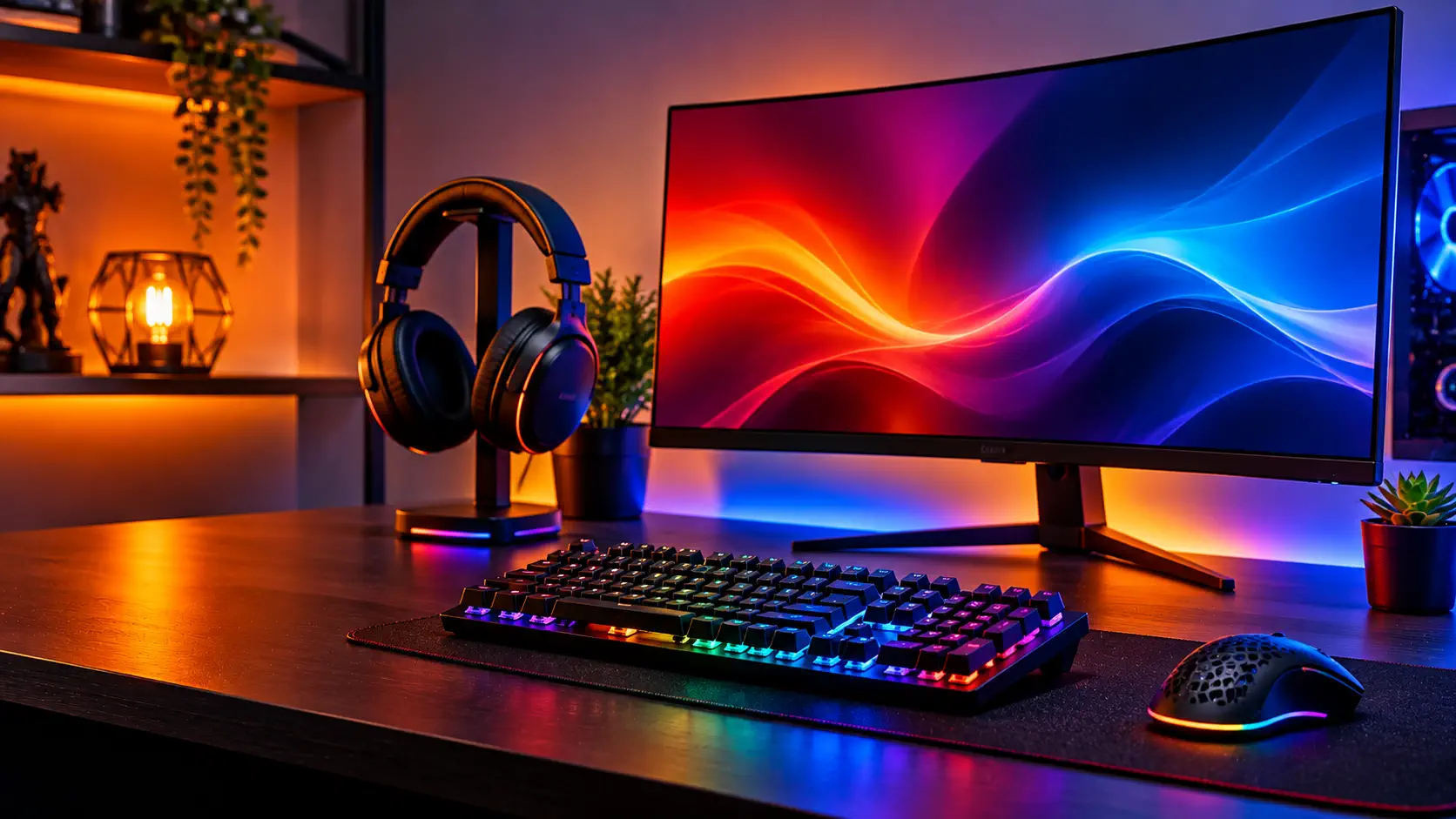
Resolution first. A 1080p monitor is easy for a modest graphics card, 1440p is the sweet spot for most mid-range cards, and 4K demands a powerful card or lower settings. Matching the monitor to the card matters more than the number on the box. Our gaming monitor guide covers five models across those tiers.
Refresh rate. For most players, 144Hz to 165Hz is enough. Going from 60Hz to 144Hz is dramatic, while going from 144Hz to 240Hz is far more subtle and mostly benefits competitive players in fast shooters. A very high refresh rate is a reason to pay more only if you play those games.
IPS or OLED. The IPS monitors in our guide are accurate and carry no burn-in worry. OLED gives far deeper blacks and better motion, at a higher price and with a burn-in question. The warranty on the specific listing is the part to read. Dell lists a 3-year panel exchange service for the Alienware AW3423DWF that includes OLED burn-in coverage, yet our guide notes that MonitorNerds still called burn-in a significant concern. Dell's own page also showed the monitor as currently unavailable on November 8, so confirm stock too.
HDR. Do not pay extra for it on IPS models. Reviewers found HDR weak or limited on the IPS monitors in our guide, so treat it as a bonus.
The port. On a PC, DisplayPort is the safer default for high refresh rates, and consoles use HDMI. In our guide, the Alienware reaches 165Hz only over DisplayPort, and the LG has two HDMI 2.1 ports for consoles. Check the ports on the listing against your graphics card or console.
The exact revision. All five monitors in our guide are mature models, and several have been revised or replaced. Confirm the exact model and revision in the listing, especially for the AOC G2 family and the Gigabyte M27Q.
Headsets, Mice and Keyboards
Headsets. Wired headsets avoid battery management and usually cost less. For wireless, our headset guide recommends a 2.4GHz dongle over Bluetooth, because Bluetooth audio latency is noticeably worse for games. Check platform support carefully, since it is where these headsets differ most: HyperX's own page for the Cloud Alpha Wireless lists PC, while a Best Buy listing names PC, PS5 and PS4, and neither lists Xbox. The newer Cloud Alpha 2 Wireless lists Xbox only over a 3.5mm wired connection, and Xbox support is disputed for the Logitech G435. Check the generation too. The Nova 7 has a Gen 2, HyperX sells a Cloud Alpha 2 Wireless, and Razer sells a BlackShark V2 X and a V2 HyperSpeed. No headset in our guide earned unanimous praise for its microphone, so read reviews of the mic if you talk a lot. See our headset guide.
Mice. Weight and shape matter more than the maximum DPI figure, which is mostly marketing. Most players use between 400 and 1600 DPI. A 1000Hz polling rate is plenty for most players, and higher rates can add CPU load and, on a wireless mouse, shorten battery life. Check the variant, especially for the Logitech G Pro X Superlight (original or Superlight 2) and the Razer DeathAdder V3 (wired, HyperSpeed or Pro).
Keyboards. Decide layout first: a full-size board has a numpad, and a tenkeyless board frees room for the mouse. Switch type changes the sound, since clicky switches are louder than linear ones. For wireless keyboards, check the wireless polling rate, because Keychron lists 1000Hz wired and only 90Hz over Bluetooth for the K8 Pro. Confirm whether you are getting the hot-swappable version. See our mouse and keyboard guide.
Buy Now or Wait
Monitors are a category to watch. In our October deals roundups, monitors had some of the biggest discounts, based on listings tracked by PC Gamer and Tom's Hardware, though that does not promise the same in November. Our keyboard deals roundup says keyboards are discounted less aggressively and less often than mice and headsets, so a keyboard is the item to skip unless the price is clearly lower than usual.
Buy if the exact model is on your shortlist, the listing names the revision, and the price sits at or near the lowest recent price. Skip or wait if you only want a change, if the listing does not name the version, if you are unsure the product works with your platform, or if the seller is unfamiliar.
How to Judge the Price
A crossed-out price tells you little. Compare the sale price with the launch price and with recent prices on a price-tracking site, check the seller and the return policy, and confirm the product fits your setup. The full checklist is in our Black Friday guide.
Common Questions
What refresh rate should I buy? For most players, 144Hz to 165Hz is the best balance of cost and smoothness. Higher rates mostly help competitive players in fast shooters.
Is a Bluetooth headset good enough for gaming? Our headset guide says a 2.4GHz dongle is the better wireless choice for games, because Bluetooth audio latency is noticeably worse.
Do I need a G-SYNC Compatible monitor with an NVIDIA card? It is not required. The label means NVIDIA validated the model, and validated monitors get variable refresh rate enabled automatically.
Sources, consulted November 8, 2026: Dell, Alienware 34 Curved QD-OLED Gaming Monitor AW3423DWF, HyperX, Cloud Alpha Wireless, HyperX, Cloud Alpha 2 Wireless, Best Buy, HyperX Cloud Alpha Wireless listing, Keychron, K8 Pro QMK/VIA Wireless Mechanical Keyboard. Other details come from our monitor, headset, and mouse and keyboard guides, each of which lists its manufacturer pages and named reviews.